Personal Web Pages
Every user can have their own personal website within the university, with PHP support, and make their data available through a web interface. To access your files from the university network or through the VPN, you can connect to the disk server. Outside the university network, you can connect to your files via SSH on the disk server, for example by using the WinSCP application.
General Procedure for Creating Personal Web Pages
- Connect to your disk storage space.
- Create a subdirectory named html.
- Upload your files to the html subdirectory.
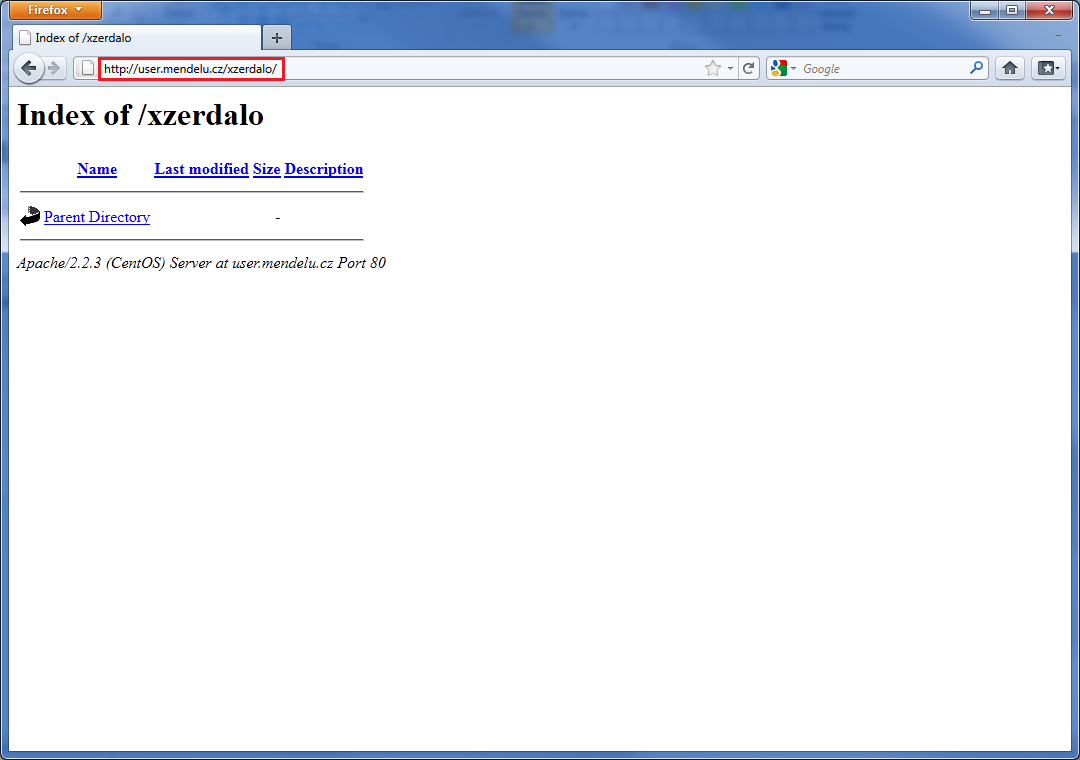
- To access your personal web pages, use the address https://user.mendelu.cz/xlogin/ (where xlogin is your UIS login).
Guide for Remote Access Outside the University Network
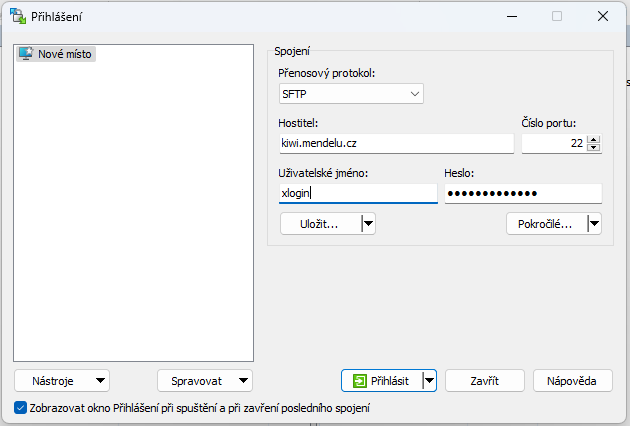
- Install and start the WinSCP application. Enter the Host Name, Username, and Password using the same credentials as for UIS, then click the Login button.
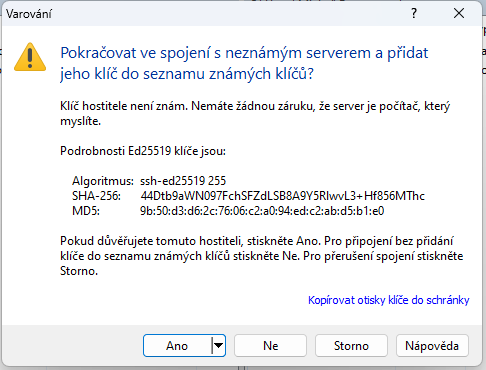
- Click Yes to add the host key to the list of known hosts.
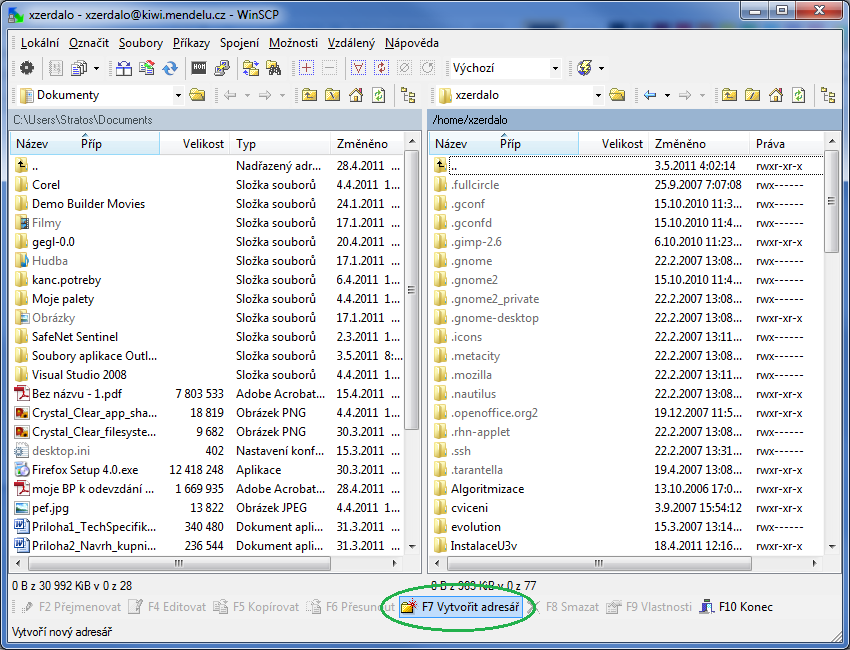
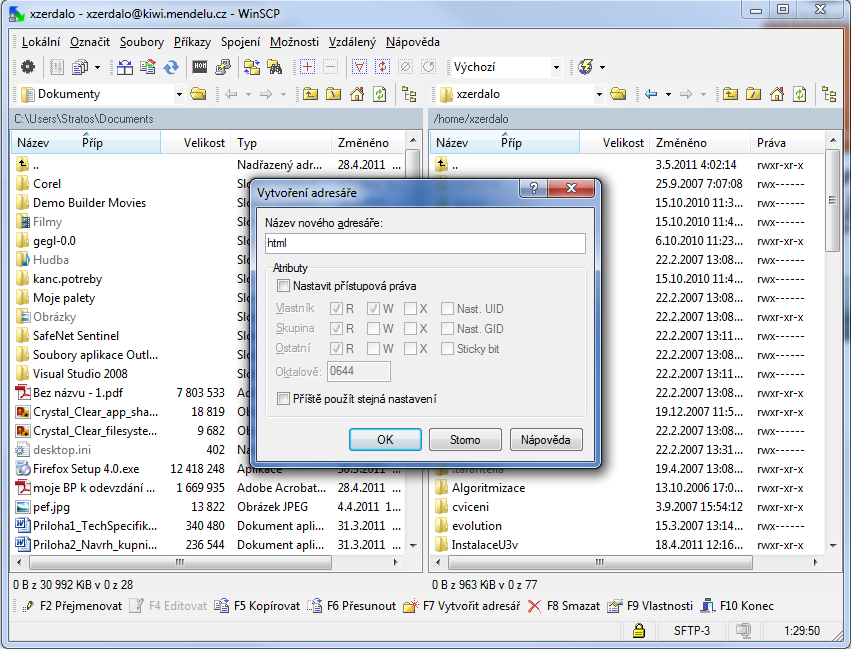
- You are now in your home directory. Create a directory named html using the Create Directory function.
- Enter the directory name and confirm by clicking OK. If you use scripts (PHP, Perl), remember to configure the appropriate file permissions.
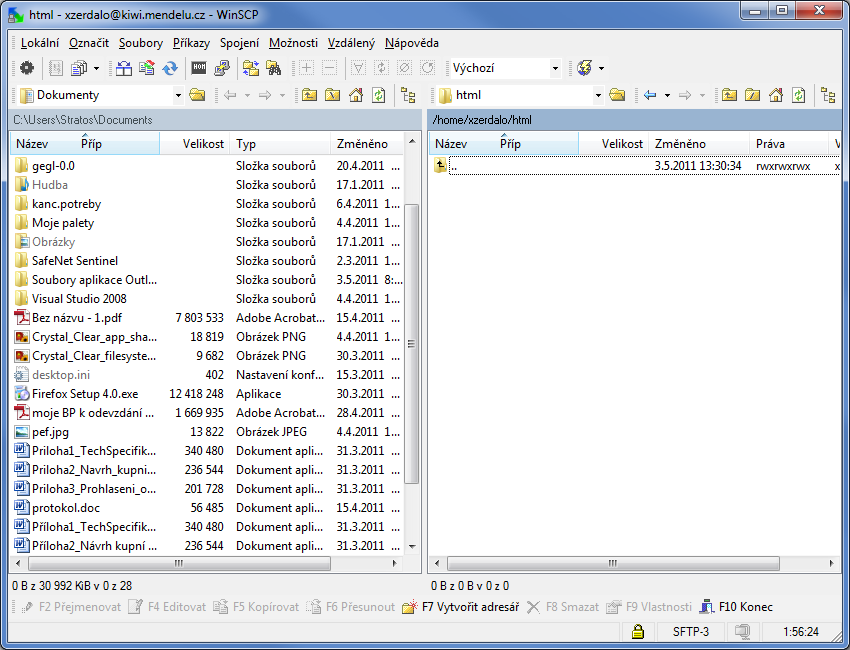
- Now upload your files to the directory by dragging and dropping them or by creating new files. All files stored in the html directory will be accessible through the web interface.
- To access your website from a web browser, enter the following address: http://user.mendelu.cz/(your UIS login)/.